

 العربية
 Français
 Português
 گؤنئی آذربایجان
 Türkçe
 English
 Español
 Русский
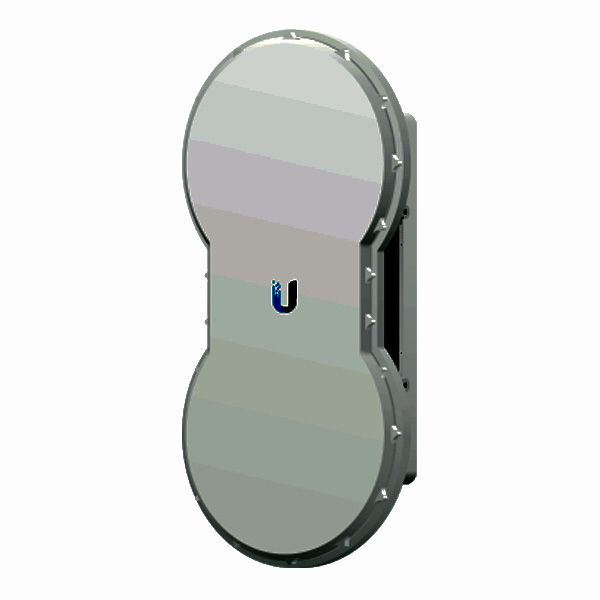
Ubiquiti AirFiber AF‑5
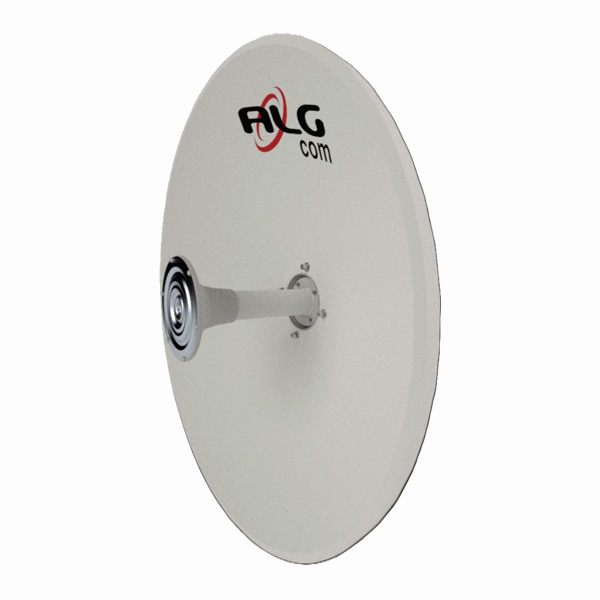
he Ubiquiti airFiber AF-5 and AF-5U are powerful 5GHz point-to-point wireless radios designed to provide lightning-fast internet connectivity over long distances. These radios are capable of delivering data throughput of over 1Gbps, making them an ideal choice for a variety of applications, including rural broadband, enterprise connectivity, and wireless backhaul.
Key Features
| Feature | Description |
|---|---|
| Operating Frequency | Model No. AF-5: 5470 – 5950 MHz
Model No. AF-5U: 5725 – 6200 MHz |
| Throughput | 1Gbps+ |
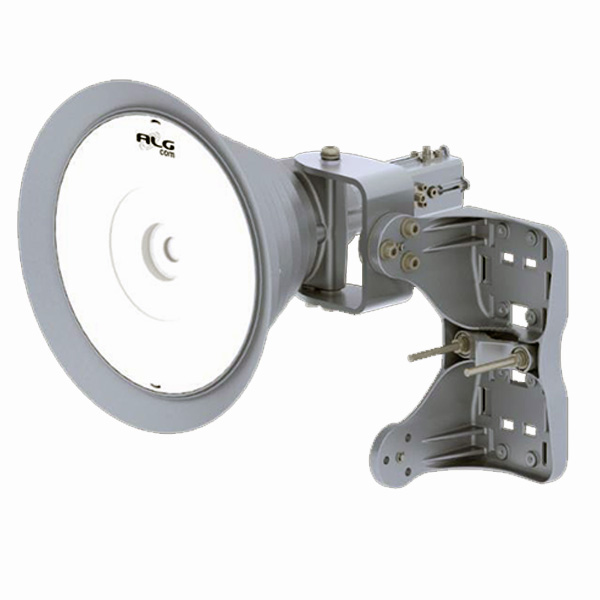
| Mounting | Pole-mount kit included |
| Power | Passive Power over Ethernet (42-58VDC) |
| Networking | (1) 10/100/1000 Ethernet Data Port<br>(1) 10/100 Ethernet Management Port |
| Certifications | CE, FCC, IC |
Installation and Configuration
The airFiber AF-5 and AF-5U come with a comprehensive installation kit, including mounting hardware, power adapter, and necessary cables. The installation process consists of the following steps:
- Pre-assembly of Mounting Hardware: The mounting hardware can be pre-assembled before installing the radios on-site, making the installation process more efficient.
- Connecting Power over Ethernet: The radios are powered using Passive Power over Ethernet, allowing for a simple and clutter-free installation.
- airFiber Configuration: The radios are configured through a web-based interface, where users can set up the wireless mode (Master or Slave), duplex mode, and frequencies.
- Hardware Installation: The pre-assembled mounting hardware is then used to install the radios on the desired pole or tower, ensuring a secure and weather-resistant setup.
- Alignment: The radios must be carefully aligned to establish a strong and stable wireless link. This process involves adjusting the azimuth and elevation of the radios to achieve the best signal strength.
Alignment and Optimization
Proper alignment of the airFiber radios is critical for achieving the best performance. The alignment process involves the following steps:
- Visually aim the Master radio at the Slave radio, adjusting the azimuth and elevation as needed.
- Aim the Slave radio at the Master radio, again adjusting the azimuth and elevation to achieve the strongest signal level.
- Repeat the adjustment process on both radios until a symmetric link is established, with the signal levels within 1dB of each other.
- Lock the alignment by tightening the nuts and bolts on the mounting hardware.
The radios provide three methods for determining the received signal level:
- LED Displays: The local and remote signal levels are displayed on the front-panel LEDs.
- airFiber Configuration Interface: The signal levels can be monitored through the web-based configuration interface.
- Audio Tone: An optional audio tone can be used to aid in the alignment process.
Specifications
| Specification | Value |
|---|---|
| Dimensions | 938.4 x 468.4 x 281.4 mm (36.94 x 18.44 x 11.08″) |
| Weight | Without Mount: 11.5 kg (25.35 lb)<br>With Mount: 16 kg (35.27 lb) |
| Max Power Consumption | 40W |
| Power Supply | 50V, 1.2A PoE GigE Adapter (Included) |
| Wind Loading | 863 N @ 200 km/hr (194 lbf @ 125 mph) |
| Wind Survivability | 200 km/hr (125 mph) |
| Operating Temperature | -40 to 55°C (-40 to 131°F) |
Compliance and Regulatory Information
The airFiber AF-5 and AF-5U radios must be professionally installed, and it is the installer’s responsibility to ensure compliance with local regulatory requirements, including:
- Operating within legal frequency channels
- Adhering to output power limits
- Implementing Dynamic Frequency Selection (DFS) as required
Ubiquiti provides the necessary tools and information to assist installers in meeting these regulatory requirements.